People often assume smart home technology is for sprawling mansions with miles of wiring and dedicated server closets. They couldn’t be more wrong. In my experience designing layouts for spaces under 400 square feet, automation isn’t a luxury, it’s a spatial survival strategy.
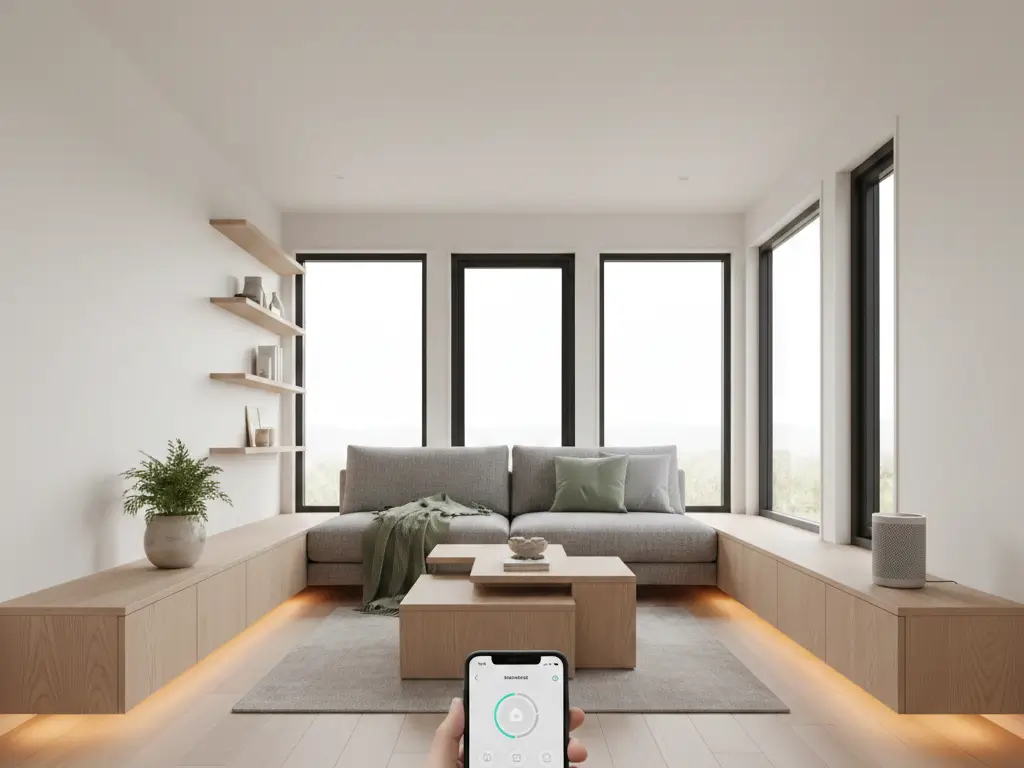
When you live in a tiny house, you don’t have room for a bank of dimmer switches, a clunky security hub, or a wall of monitors for your water tanks. A tiny house smart home ecosystem consolidates all those physical controls into the one thing you already carry in your pocket: your phone.
A tiny house smart home focuses on wireless efficiency over hardwired complexity. It costs between $200 (DIY starter) and $1,500 (full automation). Key elements include Wi-Fi mesh systems to penetrate metal siding, smart plugs to monitor energy usage (crucial for 30-50 amp hookups), and multi-functional sensors that replace bulky physical hardware.
If you are trying to figure out how to make your compact space work harder for you, this guide covers the connectivity, security, and utility monitoring that actually makes sense for small-footprint living.
The Connectivity Challenge: Wi-Fi in a Metal Box
Standard routers often fail in tiny houses due to metal siding acting as a Faraday cage (blocking signals). For a 200-400 sq ft space, use a Mesh Wi-Fi system (2 nodes) or a router with high-gain antennas. Position the primary router near a window. Budget: $120–$250.
Breaking Through the Interference
I ran into this issue recently with a client parked in Oregon. Their 28-foot tiny house on wheels (THOW) was clad in corrugated steel. Inside, the Wi-Fi signal bounced perfectly; step two feet outside to the deck, and the signal died instantly.
If your tiny house uses metal framing or siding, you are essentially living in a signal-blocking shield. A standard ISP router tucked in a loft cabinet won’t cut it.
The Hardware Solution
You don’t need industrial gear, but you do need placement strategy.
- Mesh Systems: Even in 300 sq ft, a two-pack mesh system (like Eero or Google Nest) is superior. Place the main unit where the internet enters, and the second unit (“satellite”) as close to a window as possible to beam signal to your outdoor living area.
- Mobile Hotspots: If you are mobile, a cellular router (like Peplink) is the standard. These are compact, usually about 5×4 inches, and can be mounted inside a cabinet with an external antenna routed to the roof.
Space-Saving Tip: Mount your router vertically on the wall or inside a ventilated utility closet to save precious shelf surface area.
Detailed layout strategies can be found in our tiny house layout floor plan guide.
Lighting: reclaiming Wall Space
Smart lighting in tiny houses eliminates the need for complex switch wiring and bulky dimmer knobs. Use Zigbee or Wi-Fi bulbs (A19 size) to control zones without adding physical circuits. Cost: $15–$45 per bulb. ROI: Saves approximately 6 inches of wall width per switch bank.
Why Switches Are the Enemy
In a standard home, a bank of four light switches takes up nearly 10 inches of wall space. In a tiny house, that 10 inches might be the only place to mount a spice rack or a coat hook.
By switching to smart bulbs (like Philips Hue or LIFX), you can hardwire your fixtures to be “always on” and use wireless remote buttons (which are flat and stick anywhere) or voice control. I tested this in a loft bedroom where we had zero clearance for a bedside switch. We simply stuck a magnetic smart button to the metal bed frame. Problem solved.
Zoning a Single Room
In a studio apartment or tiny house, your kitchen, living room, and office are likely the same 150 sq ft rectangle. Smart lighting is the only way to visually separate these zones without building walls.
- Cooking Mode: 100% brightness, Cool White (4000K).
- Evening Mode: 30% brightness, Warm White (2700K), specifically dimming the kitchen area to hide dirty dishes.
For more on fixture types, check out our tiny house lighting solutions.
Climate Control: managing Low Volume
Tiny homes heat up and cool down 4x faster than standard homes. A Smart Thermostat (Ecobee or Nest) with a remote sensor is vital to prevent temperature swings. For mini-splits, use an IR blaster controller (like Sensibo, ~2.5 x 2.5 inches). Budget: $100–$250.
The “Oven Effect”
Small volumes of air change temperature rapidly. Cooking a pasta dinner can raise a tiny house’s internal temperature by 10 degrees in 15 minutes. Conversely, poor insulation can drop it just as fast.
Standard thermostats on mini-split units are notoriously inaccurate because they measure the temperature at the unit (usually high up on the wall where it’s hottest).
The Smart Fix
If you use a mini-split heat pump (common in 90% of tiny builds), don’t rely on the included remote. Get a smart AC controller. These small pucks sit on a table or mount to a wall, measure the temperature at living height, and send infrared signals to the AC unit to adjust automatically.
- Humidity Management: Look for a sensor that monitors humidity. Moisture is the silent killer in small spaces. If humidity spikes above 55% during a shower, a smart plug can automatically trigger your dehumidifier.
Read more about managing moisture in bathroom paint moisture solutions and general tiny house heating cooling.
Off-Grid Intelligence: Power & Water
For off-grid setups, “smart” means survival. Use Shunt-based battery monitors (Victron SmartShunt) and ultrasonic tank sensors (Mopeka) to view water/power levels on your phone via Bluetooth. Dimensions: Sensors are typically <3 inches diameter. Budget: $150–$300.
The Dashboard Approach
If you are connected to the grid, you might care about saving a few dollars on electricity. If you are off-grid, running out of power means your lights go out and your water pump stops.
In the past, monitoring this required cutting holes in your beautiful wood interior elements to mount ugly digital gauges. Now, Bluetooth shunts sit directly on your battery bank (hidden away), and ultrasonic sensors stick to the bottom of your propane and water tanks.
Real-World Example:
I installed a Mopeka propane sensor for a client’s heater. It magnetically snaps to the bottom of the tank. Before this, they had to go outside in the snow to shake the tank to guess how much fuel was left. Now, they get a push notification when fuel drops below 20%.
Security: Protecting a Movable Asset
Tiny houses on wheels are vulnerable to theft (of the whole house). Use a GPS tracker (hardwired) concealed in the frame. For entry, use a smart deadbolt (Level Lock or August) that fits standard door prep holes. Avoid systems requiring large base stations. Budget: $200–$500.
Locks Without Bulk
Standard smart locks often look massive on a tiny house door. The scale is just off. I prefer the Level Bolt because it installs inside the door mechanism, letting you keep your existing, smaller hardware. It adds zero visual clutter but allows you to grant temporary access to a dog walker or maintenance person without hiding a key under the mat.
The Whole-House Tracker
It’s a nightmare scenario, but tiny houses do get stolen. A battery-powered Apple AirTag is okay for a backpack, but for a $80,000 house, you need a hardwired GPS tracker connected to your 12V system. These are roughly the size of a deck of cards and can be hidden behind tiny house wall materials or inside the trailer tongue box.
Hub vs. Hub-less
Hub-less (Wi-Fi/Bluetooth) is best for spaces <400 sq ft to save physical space. Hub-based (Zigbee/Z-Wave) is better for reliability if you have >15 devices.
| Feature | Hub-less (Wi-Fi) | Hub-based (Zigbee/Matter) | Tiny House Impact |
| Physical Space | Zero (Cloud/Router based) | Requires distinct Hub unit | Hub-less saves shelf space |
| Power Draw | Higher (per device) | Lower | Zigbee is better for battery sensors |
| Congestion | Can slow down router | Separate mesh network | Router load matters in small layouts |
| Cost | Lower upfront | Higher upfront | Hub-less is budget-friendly |
For a standard tiny house enthusiast starting out, go Hub-less. Look for “Matter-compatible” devices. Matter is the new standard that lets devices talk locally without needing a proprietary bridge. This keeps your limited electrical outlets free for other things, like your tiny house kitchen fixtures.
However, if you are a tech-heavy user (20+ bulbs, sensors on every window), get a USB-stick hub (like a SkyConnect) that plugs directly into your router or a Raspberry Pi, rather than a standalone plastic box that needs its own shelf.
Smart Automation Ideas for Specific Spaces
The Multipurpose Loft
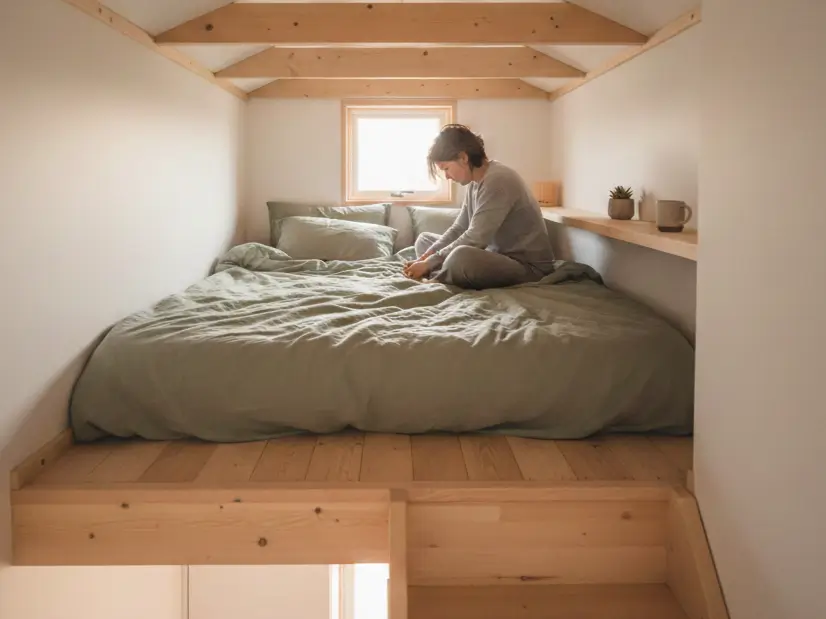
In a tiny house bedroom design, you often can’t stand up. Crawling to a light switch is annoying.
- The Fix: Bed occupancy sensors (pressure strips under the mattress) that trigger a “night light” LED strip under the bed frame when you get up to use the bathroom, ensuring you don’t trip down the ladder.
The Compact Kitchen
Counter space is gold. You don’t want a smart display (like an Echo Show) taking up prep area.
- The Fix: Under-cabinet mounting for smart speakers, or using a magnetic wall mount for an iPad that serves as your smart home dashboard and your recipe book.
Final Thoughts
You don’t need to automate everything at once. In a tiny house, the goal of a tiny house smart home is to reduce friction and physical clutter.
- If you have metal siding, test your signal strength outside today.
- Buy a smart smoke/CO detector (like Nest Protect). In a small volume, fire spreads fast, and phone alerts can save your life if you aren’t home.
- Buy a single smart plug with energy monitoring. Plug your heater into it and see exactly how much power it draws. The data might surprise you.
Smart tech should make your tiny life simpler, not more complicated. By choosing compact, multi-functional devices, you gain control over your environment without losing an inch of living space.
For more on outfitting your space, explore our guides on tiny house storage solutions and tiny house electrical systems.